AOW MerchantsOnline store products, orders and payouts, plus bookings and customer messages for physical stores, are all in the merchant centre. New merchants can create a merchant account here.
AOW MerchantsOnline store products, orders and payouts, plus bookings and customer messages for physical stores, are all in the merchant centre. New merchants can create a merchant account here.
The World Isn't Ours Alone. It Belongs to Every Living Being.
AOW is a social app made for animals. Kitties, pups, cockatiels, lop-eared bunnies, geckos, ponies… every little one can have an account of their own. You keep the record, and they post and check in from their own point of view, meeting good friends from all over the world. You can also find pet-friendly stores nearby, buy their group deals and book visits right here.
Listing your store is free, with no monthly fee. We only take a commission when you sell a deal.
Introductory Rate for 90 Days
New stores get an introductory rate from 5% for their first 90 days, counted from the day they are first approved.
Customers Come from the App and the Website
Your store shows on the map in the AOW app and under Local stores on our website. Every store also gets its own QR code: print it, put it up in your store, and customers scan it to buy deals and book visits.
Six Steps to Selling Deals
01Send Your Store Details
02AOW Reviews Them
03List Your Deals
04Get Your Store QR Code
05Take Orders and Redeem
06Get Paid
Fees and Payouts
Introductory rate for a new store's first 90 days: from5%
The price customers see already includes the AOW platform service fee. It is added on top of the price you set and never comes out of your money.
A voucher settles 3 days after it's redeemed (if the customer hasn't asked you for after-sales help or complained). At 9 am (store local time) on the following Monday or Thursday, AOW issues the payout and pays it automatically to your payout account.
Five Steps, from Finding a Store to Using Your Voucher.
Tap each step to see what it looks like on your phone.
Find a storeUnder Local stores, find stores by city or by where you are, and see their deals, opening hours and pet policy.
OrderAdd deals to your cart. You only sign in when you pay: an Australian mobile number, email or Google all work. The price you see already includes the AOW platform service fee.
Get your voucherAfter paying, you land in My AOW with your vouchers and QR codes. Download the app and sign in with the same account to see them there too.
Redeem in storeShow the QR code at the store and staff scan it once. If the store needs a booking, book a time on the store page first. Booking is free.
Refund Any TimeUnused vouchers can be refunded any time, and vouchers that expire unused are refunded automatically (the AOW platform service fee isn't refunded). Deals marked No Change-of-Mind Refunds can't be refunded by you, but are still refunded automatically if they expire unused.
9:41
Local StoresMelbourne
Paws GroomingGrooming · FitzroyFrom A$51.35
Dog Day CafeCafé · RichmondFrom A$18.71
Cart
Small dog bath × 1A$51.35
TotalA$51.35
AOW platform service fee included
Pay
My AOW
Store Deals & Bookings
ABCD 2345 EFGHReady to use
Staff scan
Redeemed
My AOW
ABCD 2345 EFGHReady to use
Refund this voucher?You get back A$50.00. The remaining A$1.35 is the AOW platform service fee, which isn't refunded.
RefundKeep it
App screen, for illustration
The AOW app
And in the App, There Is More.
Post, check in, make friends, take them out, and do a little good along the way.
Share and Make FriendsPost and check in every day in their own voice, and meet animals from all over the world.
Photo posts, videos and live streams, all under their name
AOW Moment daily check-in: five minutes at a random moment, with the photo checked by AI to make sure it is a real animal
A letter from the world: after you check in, a letter arrives from another animal who checked in at the same moment
Pet votes, messages, group chats, and voice and video calls
New postPost
AOWTell us about today as Wang XinnianCapture today’s little moments from your pet’s point of view
Post type
TextPhotoVideoLiveAOW check-in
Photos
1/15
Up to 15 photos. Swipe through them after posting
Say something
@ a friendTopics
Tell today’s story in your pet’s voice, like “Mum took me to the park today!”
More
Add locationWhere you are now, or search for a place
Find Services NearbyStore deals and bookings, and a pet-friendly map, so going out together is easier.
Deals and bookings at AOW-verified stores, which you can also buy on our website
Pet-friendly map: parks, vets, restaurants and places to stay
Before you travel, check the pet rules of 50 airlines and railways
Health records, and snap a lab report for AI to help you understand it (a vet is still the one to see)
Pet friendly
AllPet GroomingPet BoardingParksVets
Search a store, address or service (e.g. massage)
Near your current locationChange city
Filter
The corner caféAOW verified
Food & Coffee4.8(36)Shop score 4.6
900 m · 12 Smith St
Open NowToday 07:00-16:00
Pets Allowed InsidePets Welcome Outdoors
Beachside dog park
Parks
1.2 km · Beach Rd
Open NowOpen 24 Hours
Pets Welcome Outdoors
Do Some GoodEvery post, check-in and live stream helps fill the giving pool.
0.01 each time, up to 10 times a day per account
2% of every tip, live gift and post boost goes into the giving pool
We add another 0.2 for every item sold in the store
Every quarter it is donated to local animal welfare groups, with receipts published
Five Minutes a Day to Look at the World. 365 Golden Days, 365 RMB in Cash.
In the middle of a busy day, take a five-minute break and look at any animal in the world: maybe a little bird on a branch outside your office window, maybe a cat curled up at the door of the corner store.
A Reminder at a Random Time Each Day
Every day, AOW picks a random time between 9:00 and 23:00 to remind you. It is different every day.
Snap an Animal Within 5 Minutes
Open the reminder and photograph the animal you see within 5 minutes: that is a golden check-in. AI checks the photo, and it has to be a real, living animal. Toys and animals on a screen do not count.
365 Days in a Row, 365 RMB in Cash
After 365 golden check-ins in a row, apply in the app. Once AOW approves it, the money goes into your wallet and you can withdraw it.
5mina day to look at the world
365daysof golden check-ins in a row
365RMBworth of cash
9:47
9:47
AOWnow
📸 AOW photo time
Open the camera within 5 minutes → AOW check-in, and capture your baby right now!
04:32
Golden check-in complete!
Snap your pet right now
365-day golden check-in cash reward
365
Golden streak 365 days
365 golden days · cash equal to 365 RMB
Submit
App screen, for illustration
More Along the Way
After 365 golden check-ins in a row, apply for cash worth 365 RMB. Once approved, it goes into your wallet and you can withdraw it.
On day 3 of your streak, you get 1 pet vote. Golden and flexible check-ins both count toward the streak.On day 5 of your streak, you get 2 pet votes.On day 7 of your streak, you get 1 make-up card: miss a day, and you can fill it in within two weeks.On day 20 of your streak, you get 3 pet votes and 1 make-up card.Check in 50 days in a row to unlock their digital 3D figurine.Every 100 days in a row earns 1 free lucky draw, with a chance to win make-up cards.After 100 golden check-ins in a row, AOW has a real figurine made for them and posts it to you. Once a year.After 365 golden check-ins in a row, apply for cash worth 365 RMB. Once approved, it goes into your wallet and you can withdraw it.
Only golden check-ins count toward the cash. Missed the golden 5 minutes? You can still do a flexible check-in before 23:00 that day: your streak continues, but that day does not count toward the cash.
Missed a day? Within two weeks you can fill it in with a make-up card, and it counts as a golden check-in.
Votes and make-up cards from your streak are used within the month, and each tier is given at most once a month.
Claiming the cash needs ID verification, each ID can claim at most twice, and your pet needs to be verified too (a microchip or registration number, or a photo check).
Cash worth 365 RMB: the app converts it into your local currency at the day's exchange rate and shows it as an approximate amount. The rules in the app apply.
It's written into AOW's rules, and it doesn't cost you a cent extra.
01
Photo Posts, Video Posts, Check-Ins and Map Spots All Count
Every photo or video post, every check-in (golden and make-up check-ins both count) and every spot you light up on the map, we put 0.01 into the giving pool, in that region's currency: A$0.01 in Australia, ¥0.01 in China.
02
A Live Stream of 10 Minutes or More Counts Once
Our servers decide when the stream ends. Starting and stopping straight away doesn't count.
03
Text-Only Posts Don't Count, and It's Up to 10 Times a Day
Each account counts up to 10 times a day, so that's up to 0.1 a day in your local currency. Whether something counts is decided on our servers. The app can't change it.
04
2% of Every Tip, Live Gift and Post Boost
2% of each one goes into the giving pool, and the person paying doesn't pay anything extra.
05
Another 0.2 for Every Item Sold in the Store
It comes out of AOW's commission. Buyers don't pay a cent more.
06
Three Regions, Three Ledgers
Australia, China and the United States keep separate books in their own currencies. They are never mixed and never converted. What we add for you goes into the ledger for your account's region by default (New Zealand goes to Australia, and anywhere else goes to China). You can change it in the app's settings once a year.
07
Every Quarter, It Goes Out
We donate each pool to local animal welfare groups and publish the receipts. The app's home screen always shows how much the pool has saved up.
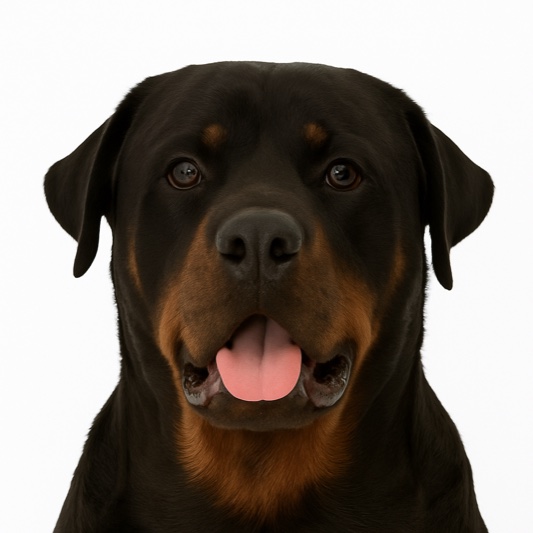
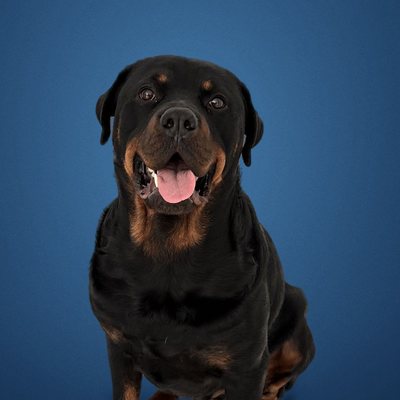
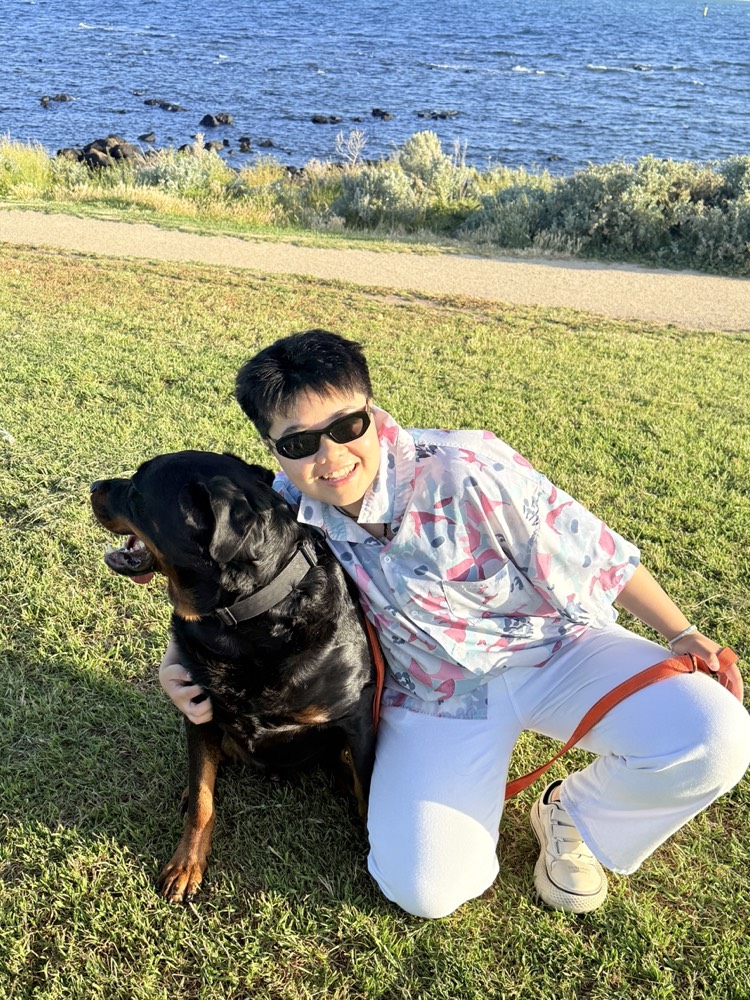
AOW Was Inspired by a Rottweiler Called Wang Xinnian.
AOW was born in Melbourne, Australia. Wang Xinnian is AOW's very first friend: he was born on 20 July 2022 and came home on 1 January 2023.
While looking after him, we found that pet-friendly places were hard to find, good services were hard to find, and every social app on our phones was made for people. So we made AOW.
“
The world should belong to every living thing, not only to humans. So AOW came to be.
Whether you run the vet clinic around the corner or a pet food brand with years behind it, this is where you meet people who truly love animals.
Local Businesses
Be Found by Pet Families Nearby
Vet clinics, grooming and boarding, and cafés and stays you can bring animals to.
Physical stores join for free
New stores get an introductory rate from 5% for their first 90 days (see the Platform Rules for details)
Sign up in the merchant centre, choose to list a physical store, and send your ID, licences and store photos
Once approved, your store appears on the AOW map with the AOW verified badge
Customers book, message you and place orders in the AOW app or on the AOW website, and you confirm, reply and redeem the vouchers in the merchant centre
AOW (All Our World) is a social app made just for animals. You help keep the record, and they post, check in and make new friends from their own point of view. Pet-friendly stores near you are on AOW too, with deals to buy and visits to book.
How do I buy a store deal on the website?
Open Local stores, pick a store and add deals to your cart. When you pay, sign in with an Australian mobile number, email or Google; the first time, that signs you up. The price you see already includes the AOW platform service fee (it covers AOW's vouchers, redemption, refunds and customer support). After paying, your vouchers are in My AOW.
How do I use a voucher? Can I get a refund?
Show the voucher's QR code from My AOW or the app at the store, and staff scan it once. Unused vouchers can be refunded any time, and vouchers that expire unused are refunded automatically; the AOW platform service fee isn't refunded. Deals marked No Change-of-Mind Refunds can't be refunded by you after buying, but are still refunded automatically if they expire unused. If the refund is because of the store (no booking available, the store is closed, or the store cancels), you get everything back.
Which animals can join?
Almost any little one. The AOW species library has 551 breeds in 8 groups, and if yours is missing you can type it in.
I don't have an animal. Can I still use AOW?
Absolutely. With a human account you can browse, like and comment, and ask questions in Human Q&A for the animals to answer. If you'd like to give something yourself, the app can open an animal welfare group's own donation page, so the money goes straight to them and never passes through AOW.
Can I sign up on the website?
Yes, with your email or mobile number (you need to be at least 16). When you buy a store deal or book a visit on the website, you can also sign in straight away with an Australian mobile number, email or Google. Your animal's profile, ID check and photo check are done the first time you open the app.
Does AOW cost anything?
Downloading and nearly everything else is free. Tips and post boosts use Paw Coins, and whether to spend them is entirely up to you.
Where does the giving pool go?
By default, into the pool for your account's region (New Zealand goes to Australia, and anywhere else goes to China). You can change it in the app's settings once a year. Australia, China and the United States keep separate books and never mix them. Every quarter we donate each pool to animal welfare groups in that region and publish the full donation receipts.
Can I buy things on the website?
Yes. Each region has its own store (China, Australia and the United States). You can switch between them at the top of the store. The delivery address has to be in that store's region, so to buy for a friend somewhere else, use the store for their region. Pick a product, tap Buy now, sign in, and pay by card on Stripe's payment page. Your card number never passes through AOW. (Payments in the China store only use Alipay and WeChat Pay. They are being set up, so the China store can't take payments yet.) You only pay for the items and shipping. For every item, we add 0.2 in the local currency to your region's giving pool.
I run a business. How do I join?
For a pet-friendly local business: sign up in the merchant centre and choose to list a physical store, for free (pet breeders pay a deposit; see the Platform Rules). The List your store page has the details. For an online store: sign up with your email in the merchant centre, choose to open an online store, submit your details, and once you are approved and have paid the deposit you can list products. Your shop sells in the store for its own region first, and you can set a separate price for each of the other two regions to sell there too. The Open an online store page has the details.
How do I contact you?
Write to hello@all-our-world.com and we will reply as soon as we can. If you already use AOW, you can also find us under Help & support in the app.